

Buying guide for France: this short guide helps you identify practical criteria before buying. It aims to help you choose a good piano that is reliable and suits your needs, without letting the price alone guide you.
Always assess three essentials: the feel and key action, sound quality, and overall working condition. Together, these determine whether an instrument is well suited to you and durable enough to support your progress.
Inspect the keyboard, every key, the connections (headphone socket and other jacks), and the amplification system. These points are often overlooked when buying in a store.
We will mention models and hybrid alternatives for different budgets. Define your musical goals, available space, and playing level before comparing and trying instruments.
A simple approach: inspect, compare, test, decide—to protect your investment and make playing more enjoyable.
Current buying guide for France: goals, uses, and constraints
Before buying, clarify your main use. Decide whether the instrument will mainly be used for home practice, recording with a digital audio workstation, rehearsing with a group, or performing onstage. Its intended use determines how much portability, connectivity, and amplification power you need.
Assess your playing level and your ambitions for the next 12 to 24 months. Whether you are a beginner, intermediate, or advanced player affects which model to choose and how long you can use it without feeling limited.
Set a realistic budget: include accessories, delivery, and any upgrade to the headphones or pedal. The advertised price may not include everything.
Measure your available space and consider the weight: digital pianos may be portable or built as heavy furniture-style instruments. Think about a suitable stand and noise levels if you live in an apartment; a headphone socket may be essential.
- Plan for basic upkeep, such as firmware updates and cleaning.
- Consider resale value: respected models and brands tend to resell more easily.
- Check that the keyboard responds precisely if you intend to play classical repertoire.
Digital piano with a piano-like feel: what should you check?
Begin your trial with the keyboard and essential functions: it is a simple, effective approach.
Play every note and test every key, first slowly and then quickly. A faulty key in the middle of the keyboard is a deal-breaker. At either end, a fault may be tolerable depending on how you play. Allow at least €100 to €150 for a repair. If the instrument has 76 keys or fewer and one key does not work, do not buy it.
Quick checks to perform
- Test every button (sounds, split, recording): repairing a nonworking main button may cost more than the instrument itself.
- Plug in headphones and move the jack plug: crackling indicates a loose connection, which costs around €100 to repair.
- Check for power interruptions: unexpected shutdowns are common on older models.
“A thorough test in the store helps you avoid unpleasant surprises and hidden costs.”
| Test | Action | Estimated cost |
|---|---|---|
| All keys | Play in the low, middle, and high registers | €100 to €150 |
| Headphone socket | Plug in and move the jack plug | About €100 |
| Amplification | Raise the volume and listen for distortion | Varies by speaker |
Inspect the color and any buildup between the keys: yellowing may indicate exposure to smoke or sunlight. Note every defect and weigh it against the asking price before deciding whether to buy the piano.
Keyboard feel and action: look for realistic weighted keys
The keyboard action directly affects playing precision. A well-designed mechanism helps you develop a stable, expressive technique.
Hammer-action keyboard and graded hammer action
Prioritize a keyboard with graded hammer action. This system recreates the changing resistance of an acoustic piano’s keys and makes it easier to learn dynamic control.
Avoid semi-weighted actions
Avoid semi-weighted keyboards: keys that feel too soft can conceal articulation problems and slow your progress when you move to an acoustic instrument.
Key surface quality and consistent response
Check the key surfaces (synthetic ivory or ebony) and how securely your fingers grip them.
Test note repetition, simulated escapement, and the consistency of the velocity response across the entire keyboard.
The role of pedals
The sustain pedal should operate consistently and, if possible, support half-pedaling.
For classical repertoire, a three-pedal unit (including sostenuto and soft pedals) provides more expressive options.

“A well-adjusted keyboard makes learning easier and playing more fluid.”
| Element | What to look for | Effect |
|---|---|---|
| Graded hammer action | Gradually changing key resistance | Technique and dynamics |
| Semi-weighted action | Best avoided | Hinders articulation |
| Key surfaces | Synthetic ivory or ebony with good grip | Comfort and control |
| Pedals | Consistent sustain, half-pedaling, three-pedal unit | Expression and independent voices |
Sound quality, samples, and amplification
The detail in the samples directly affects how expressive your playing can be. The more velocity layers and samples a sound library contains, the more natural each note’s nuances remain.
Sampling and tonal nuance
Check for sympathetic resonance, pedal resonance, and mechanical noises. These details make the sounds more convincing.
Built-in speakers or external amplification
Built-in speakers are convenient at home. An external system provides more projection for group playing or stage performances.
Listening through headphones
Always try the instrument with headphones: some models reveal a more precise stereo image and less coloration than they do through their speakers.
“A careful headphone test often reveals what the speakers conceal.”
| Criterion | What it reveals | What to test |
|---|---|---|
| Sample library | Nuance and continuity | Play legato and staccato at different dynamic levels |
| Speakers | Clarity without distortion | Raise the volume and listen for vibration |
| Polyphony | Whether sustained chords keep sounding | Play wide chords with the pedal down |
| Note release and sustain | Natural sound decay | Test with and without the pedal |
Practical tip: compare several models and consult a buying guide to weigh your headphone and speaker tests against its advice.
Keys, polyphony, and playing comfort
The number of keys and the available polyphony determine what you can play without running into limitations.
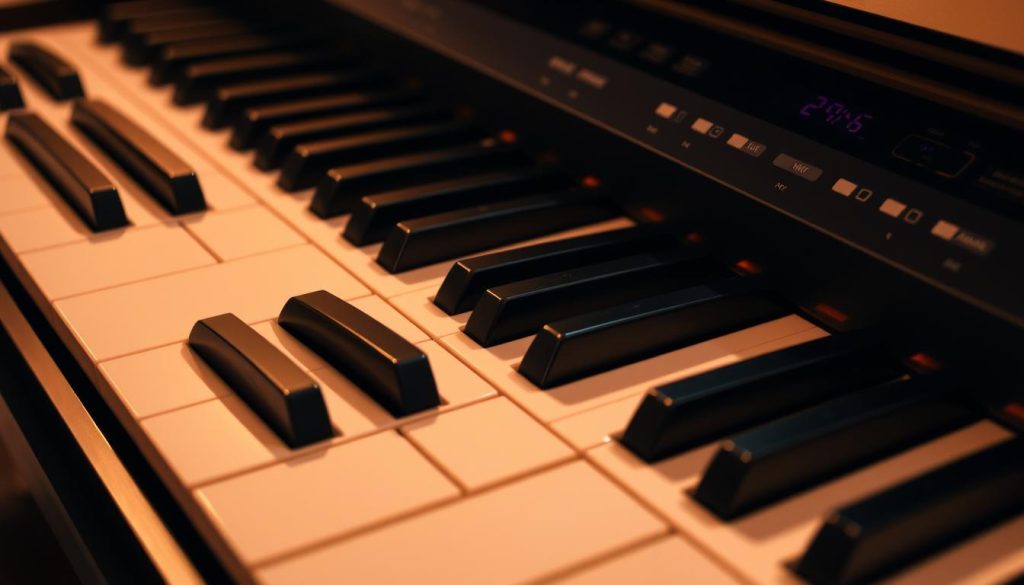
Why choose 88 keys
Choose 88 keys if space allows: they cover the full repertoire and preserve the familiar layout of an acoustic instrument.
If space or budget is limited, 73 or 76 keys remain usable, but intensive practice often leads players to move to 88 keys.
Polyphony: 64, 128, or 256 notes
For a beginner, 64 notes are sufficient. If you layer sounds, choose 128 to 256 notes of polyphony to prevent notes from cutting out during sustained passages or dense arrangements.
Ergonomics and stands
Check the keyboard height, control placement, and alignment of your arms and shoulders. A suitable bench reduces tension and improves your playing.
Stand: a Z-style stand is more rigid than an X-style stand for forceful playing. Check its compatibility and width before buying.
- Check for MIDI connections if you plan to use a computer.
- Test split and layer functions: they use polyphony to support accompaniment.
- Check that the number of keys and the keyboard layout suit your repertoire.
“The right keyboard size and sufficient polyphony make complex passages flow more easily.”
Connections, sound library, and useful effects
The quality of the connections and sound libraries determines how useful the instrument will be for learning and creating music.
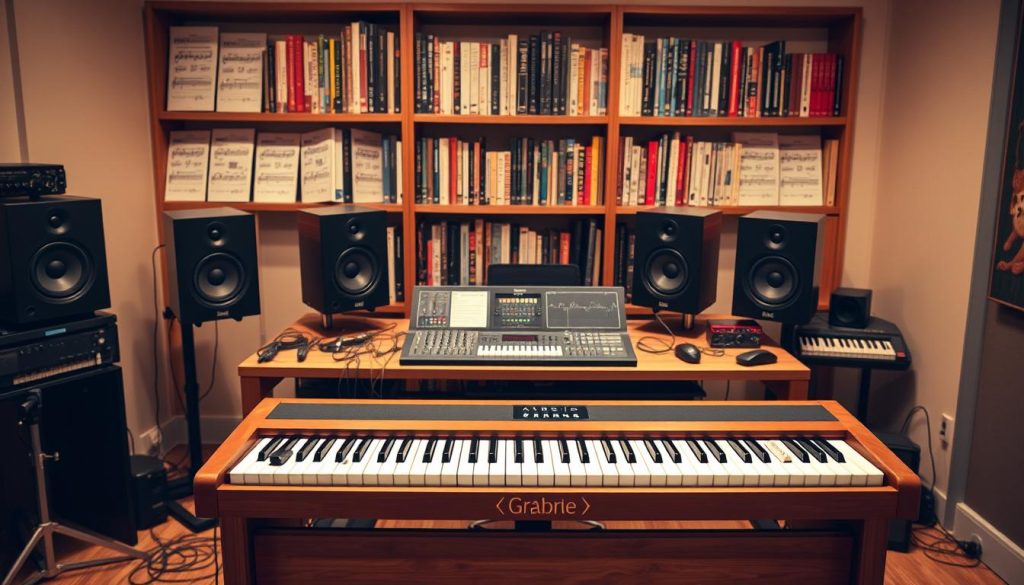
USB/MIDI: check for a USB port that works without a special driver or MIDI inputs for controlling virtual instruments. A good system makes it easier to use a digital audio workstation and learning apps.
Sound library: look for varied sounds (electric pianos such as Rhodes and Wurli, organs, strings, and pads) and useful effects (reverb and delay). These resources shape your sound and broaden what you can play.
Practical features: a metronome, internal or USB recorder, and built-in lessons help structure practice. A digital instrument can also act as a controller for your software.
Check the included pedal: a sturdy pedal and a sustain pedal with half-pedaling give you expressive control. Also check the number of audio inputs and outputs and the headphone socket for use in an apartment or studio.
| Element | What to examine | Note |
|---|---|---|
| USB/MIDI | Driver-free compatibility and latency | Control digital audio workstation software and apps |
| Sound library | Variety: Rhodes, organs, strings | Shape sounds with reverb and delay |
| Practical features | Metronome, recorder, lessons | Track your progress |
| Accessories | Pedal and stand compatibility | Some items are not included |
| Brands and models | Dedicated apps and updates | A useful software ecosystem |
“An instrument with good connectivity and a broad range of sounds supports practice and creativity.”
Budgets, models, and brands to consider at each price level
Your budget guides the choice: some models offer more for a lower price. At the entry level, favor reliable options that offer good value for money.
Consider the Yamaha P-45 and P-125, Roland FP-30, and Kawai ES110. These models combine durability, convincing sounds, and accessible prices.
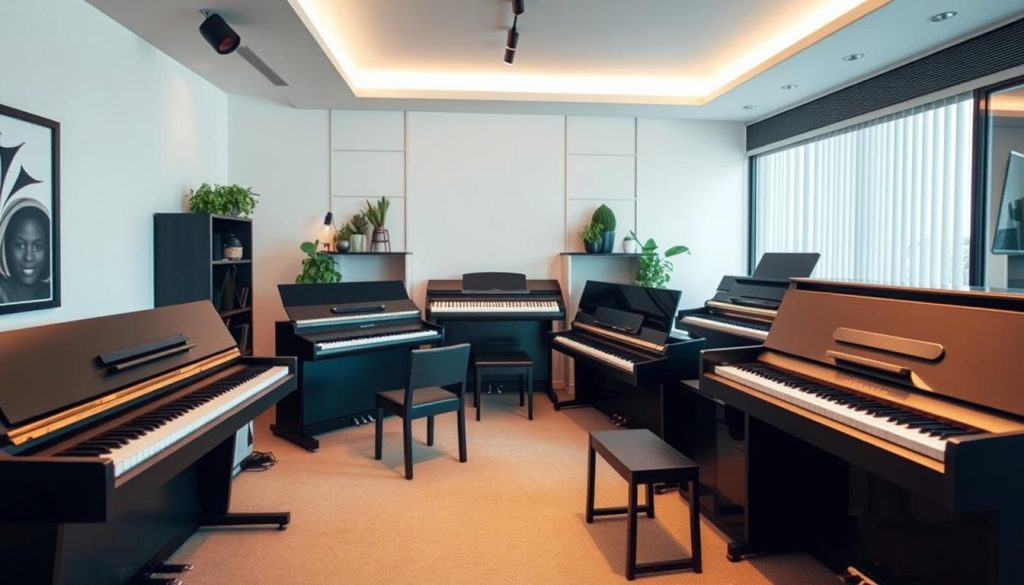
For lower-cost alternatives, look at the Alesis Prestige Artist and Korg B2. They remain worthwhile options for starting out without spending too much.
At the higher end, consider the Yamaha P-515 (with wooden keys), Kawai ES8, and Roland FP-90. The Clavinova (CLP) and Arius (YDP) series are excellent but harder to move.
- Compare prices including the stand, pedal, bench, and headphones.
- Always test the sounds through headphones: some models sound better through headphones than through their speakers.
- Check for 88 keys, and favor a Z-style stand for vigorous playing.
“A controlled budget can still get you a musically versatile instrument.”
Accessories, uses, and types of buyers
The right equipment turns a good instrument into a lasting practice tool. Accessories affect comfort, posture, and sound.
Essentials
A stable stand (prefer a Z-style model to an X-style one), an adjustable bench, and a quality sustain pedal top the list.
Add closed-back headphones for quiet practice and faithful sound reproduction.
Beginners and advanced players
For beginners, prioritize a keyboard with a convincing feel and practice tools such as a metronome and recorder.
Advanced players will want more polyphony, rich sounds, and a full range of connections. Multiple pedals and ergonomics also matter.
Portability and space
Consider the weight, dimensions, and availability of a padded case or folding stand if you move the instrument.
On the budget: the listed price may exclude the stand, bench, or pedal. Include these costs in your final calculation.
“Testing the instrument with all its equipment reveals how it really feels and sounds in use.”
| Item | Why it matters | Practical advice |
|---|---|---|
| Stand | Stability while playing | Prefer a Z-style model and check its width |
| Bench | Posture | Adjustable height |
| Headphones | Quiet practice | Closed-back, with suitable impedance |
| Case and stand | Portability | Padded case and folding stand |
Final tip: when buying a piano, test the complete setup with your playing level in mind to avoid extra expenses later.
Alternatives to fully digital pianos: silent and hybrid pianos
Silent and hybrid options suit players who want the feel of an acoustic piano with the flexibility of modern features.
Silent piano
How it works: an acoustic piano is fitted with a switchable system that stops the hammers from striking the strings.
Sensors detect movement and send a signal to a headphone output. The resulting sound is digital and quiet.
Maintenance: tuning and upkeep are still necessary. A faint mechanical tapping sound may remain.
Hybrid with an acoustic action
These models retain a real piano action but replace the strings with electronic sound reproduction or sensors.
The result closely recreates the leverage and inertia of an acoustic instrument.
Examples and budget
Notable models: Yamaha SILENT (B and U series), Genio, AvantGrand, Casio Grand Hybrid, and Kawai Novus.
| Type | Examples | Notes |
|---|---|---|
| Silent | Yamaha SILENT, Genio | Tuning required; price around $6,000 to $8,000 depending on options |
| Hybrid | AvantGrand, Casio Grand Hybrid, Kawai Novus | Feel very close to an acoustic piano; ideal for demanding pianists |
| Public performance | — | Plan for an external amplification system onstage |
“These alternatives balance an authentic mechanical feel with quiet practice.”
Conclusion
In short, focus on the features that affect musical performance and durability. Before buying, check working condition (keys, buttons, jack socket, and power supply), the action, and sound quality.
Match your budget to your needs, including accessories and repairs. Favor 88 keys and enough polyphony to avoid limits on how many notes can sound at once.
Compare models and brands by sound, feel, connectivity, and ergonomics. A more expensive model can be a better investment if its quality meets your needs.
Before completing the purchase, try the piano under realistic conditions: in the same room, at the same listening position, and with pieces you know well, so you can confirm your choice.